

Welcome to day 4 of the Inspired To Inspire “Create Your Own Deck of Oracle Cards” Online Course.
Please watch the video below and the click on the button to download your workbook. The additional information on design support, templates and package deals (as mentioned in the video) are at the bottom of this page. Definitely worth a look if you still need some inspiration too!
Just complete what you can of your workbook, remember, you can always come back to it.
If you have any questions, or would like some feedback on your card design plans, just send me a message to ces@inspiredtoinspire.co.uk and I will get back to you as soon as I can. Remember, you will also be able to get detailed feedback and advice in your zoom call at the end of the course. Have Fun!!

I have put together some great design offers to support you in creating your card deck.
have a look below and if you have any questions, just send me a message to ces@inspiredtoinspipre.co.uk
I can create a border or frame design with a clear centre so that you can drop your words or images into the template border using free app canva (or similar) to create your card designs. (check out the template design offer at the end of this course)
You can also create similar border or frame templates for yourself in Canva if you’d like to! This will make it easy to create a consistent and professional looking deck.

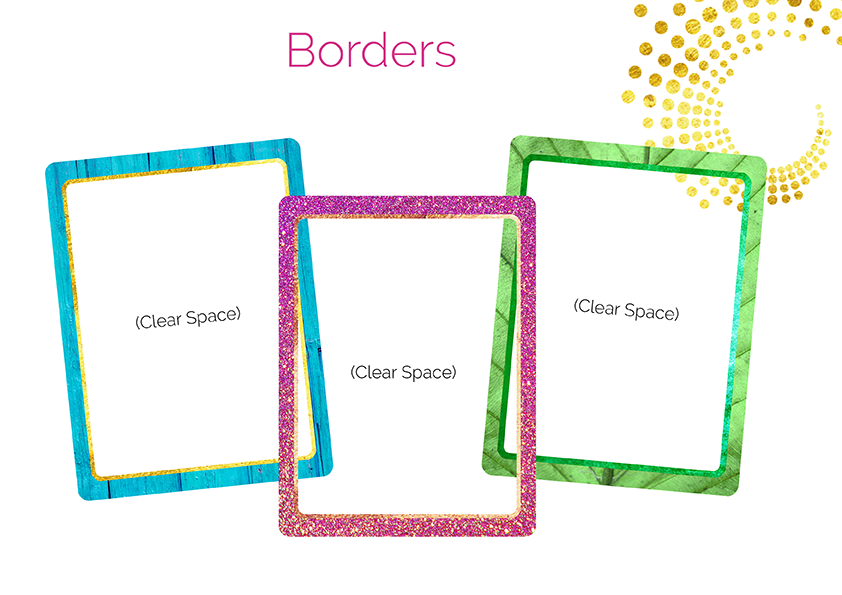


Here are some examples of content placed within frames. . .


Do you want a simple design with a consistent style background and a different icon on each individual card? see examples below. . .


Do you want a single artwork or photo edit design created to use as a consistent style background and different words added on each individual card? (Check out the full design package offer at the end of this course)


